
Settling employment relationship problems remotely has become more frequent in New Zealand. A record of settlement can be agreed and signed before mediation where there is agreement between employer and employee.
With Covid-19, many employment mediations have been held by Zoom or telephone. Many people do not have easy access to printers and scanners, so the methods below are useful to get an employment settlement signed off properly.
MBIE employment mediation is usually the first real pressure test of an employment dispute. Done properly, it can resolve a Personal Grievance (PG) quickly, confidentially, and on terms you control - without waiting months for an ERA hearing.
Key points
- Mediation is confidential: it is designed to encourage practical settlement.
- Preparation matters: timeline, documents, and a clear settlement position move the needle.
- You can agree flexible outcomes: references, exit terms, costs contributions, apologies, and more.
- Do not sign in a rush: once a Record of Settlement is signed, it is usually final.
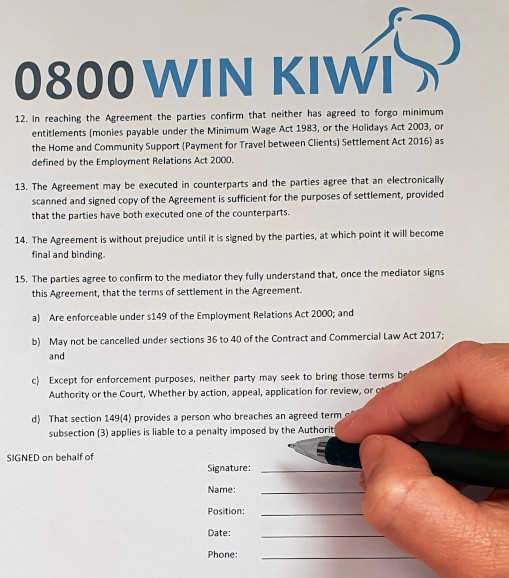
Printer and Scanner
- Print the settlement.
- Sign the settlement. Make sure you sign in all places.
- Scan the settlement in using the scanner.
- Email the settlement to your employment advocate.
Printer only
This is a common scenario, particularly for an employee who only has a printer. What you should do is use the printer to print the settlement agreement document, sign the settlement, photograph each page of the settlement, then send the images back to your employment advocate.
IPhone
An IPhone can be used to sign the employment settlement document. The settlement document will be in a PDF format. When viewed on an IPhone there is an option to edit the document at the top right hand corner of the screen.
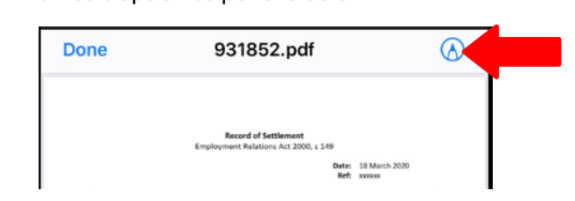
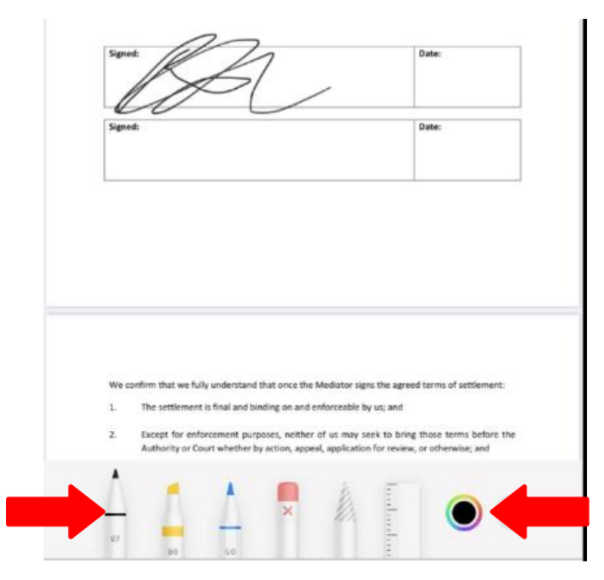
You then select the pen tool, colour and size. You sign the screen with your finger.
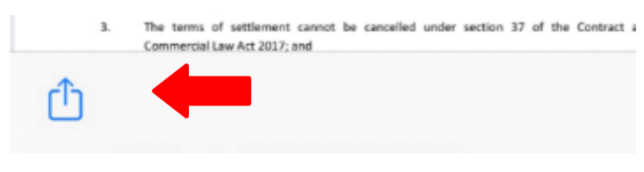
You then mail the document to your employment advocate using the bottom left send button
Android smart phone
You can download an Android App called Adobe fill and sign.
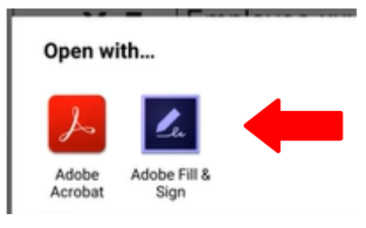
Hold your finger on the settlement document and select Open with 'Adobe Fill and Sign'. When opened, select the Pen tool.

Select 'Create Signature'.
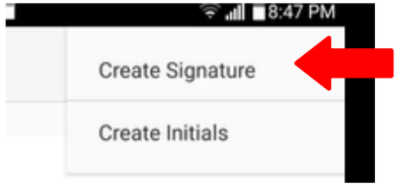
Sign the pop-up box with your finger.
Go back to the Pen tool, select the signature, drag, drop and resize the signature onto the settlement document.
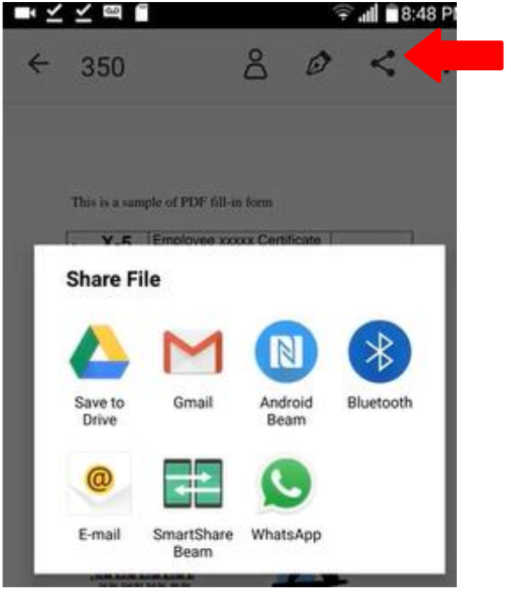
Email the settlement document back to your employment advocate using the share function.
If you want help preparing for mediation (or negotiating settlement terms), submit the case form with a short timeline and key documents and we will contact you.
Employee Case Form